
September 29, 2026
AI Font Generator: The Complete Guide to AI-Powered Font Creation
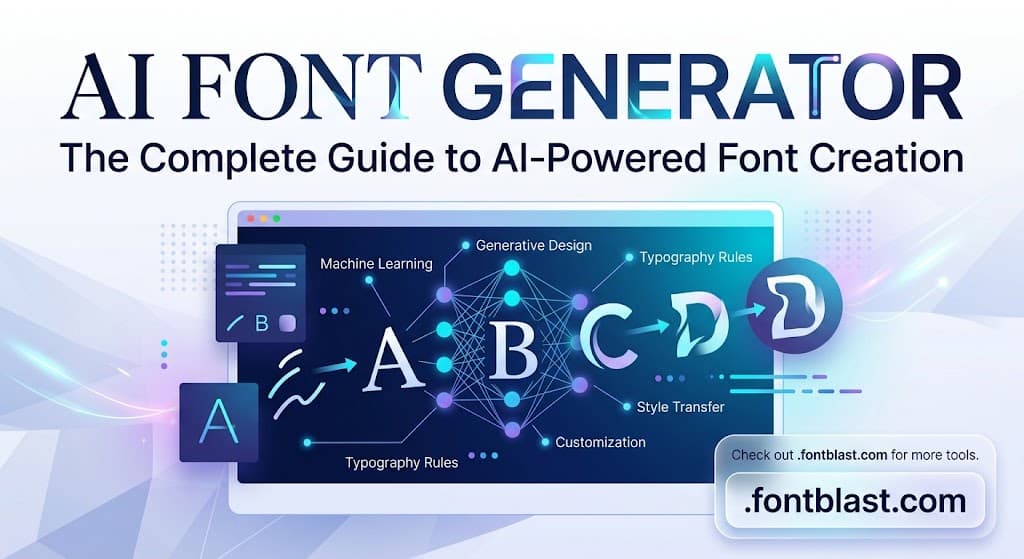
AI font generators are changing how designers, creators, and everyday users create typography. Instead of drawing every letter by hand, you can now describe a style in plain words or upload a handwriting sample and get a usable font in minutes. Whether you need a custom typeface for a brand project or just want stylish text for social media, these tools remove most of the technical barriers that used to make font design slow and expensive.
What an AI Font Generator Can Actually Do
Traditional font design requires specialized software and hours—sometimes days—of careful adjustment. AI font generators lower that barrier significantly, and they generally work in three ways:
Generate fonts from text descriptions. You type something like "bold, rounded, retro-futuristic" and the tool produces matching font previews. Mixfont is a leading example: it lets users generate complete fonts from a single written description. As of July 2026, Mixfont was drawing roughly 410,000 monthly visits, with the United States as one of its largest traffic sources. That number confirms real, growing demand for "describe it and generate it" font tools.
Turn your handwriting into an installable font. You write out the alphabet, upload a photo, and the AI recognizes the characters and produces an installable .ttf or .otf file. HandFonted and FontMaker both offer this. FontMaker emphasizes that processing happens on the user's device, which is a meaningful advantage for privacy-conscious users.
Generate styled text for social media. If you don't need an installable font file and just want fancy text for an Instagram bio or a Twitter post, tools like Refont and Picsart generate styled text or high-resolution images almost instantly.
The Best AI Font Generators to Watch in 2026
ToolCore StrengthBest For
Mixfont
Generates fonts from text descriptions; supports image and handwriting input
Designers who want to explore many styles quickly
Creative Fabrica
Converts hand-drawn characters into full fonts; integrates with a large asset library
Creators with drawing skills who want deep customization
Fontjoy
Doesn't generate fonts—uses AI to pair existing fonts intelligently
Designers who need harmonious font combinations fast
Refont
Free to use; generates calligraphy, signature, and handwriting-style images
Social media content creators
Simplified
Built into an all-in-one design platform for fast output
Teams producing marketing assets at speed
Mixfont's traffic data is worth noting: roughly 410,000 monthly visits in July 2026, with a fast-rising trend. That signals the market for "generate a font from a description" is real, and users are actively trying new tools in this space.
The Real Limits of AI Font Generation
One thing needs to be said clearly: AI-generated fonts work best as a starting point, not a finished product.
GeekExtreme published a hands-on test in September 2026 documenting two very different outcomes. In one attempt, ChatGPT generated a full character set from a single letter "R"—it worked, though one duplicated "J" had to be deleted manually. In another test, a conversion through drfonts.com failed completely, producing blank characters and truncated letters, with no downloadable font at the end.
The core problem is kerning and fine detail control. AI can generate letterforms quickly, but it still falls far short of a professional type designer's manual precision when it comes to kerning, ligatures, and visual consistency across thousands of characters. Simplified doesn't offer fine glyph-level adjustments. Creative Fabrica requires users to draw every character by hand.
So here's the practical breakdown:
- If you're making a logo wordmark, poster headline, game UI, or social media visual, AI-generated fonts are already good enough—and dramatically faster.
- If you're building a typeface for body text that must stay visually balanced across thousands of words, AI output is only a first draft. You'll still need professional tools like FontForge or FontLab to refine it.
How to Choose the Right AI Font Generator
The key question isn't "which tool is best"—it's "what output do I actually need?"
- Only need styled text for social media: Choose Refont or Picsart. They're free, instant, and you never have to think about font file formats.
- Want an installable .ttf for design projects: Look at Creative Fabrica and Mixfont. Check the export formats and commercial licensing terms before you commit.
- Want to turn your own handwriting into a font: FontMaker and HandFonted are the more direct options, but you'll need clean, high-contrast handwriting samples.
- Need font pairing inspiration rather than a new font: Fontjoy uses AI to recommend harmonious typeface combinations—ideal for quickly solving the "what goes with what" problem.
Before any commercial use, verify each tool's licensing policy. Terms vary widely. FontMaker states its generated fonts can be used commercially, but not every tool makes that claim.
The Bottom Line
The real value of an AI font generator is that it cuts the cost of "let me try this style" from days to minutes. It lets you explore many directions before committing to one. But if what you're building needs to hold up under close professional scrutiny, treat AI output as an efficient starting point—not the final product. That's the most realistic expectation for 2026.